game launch

viral GTA 6 videos and ideas to try

Explore GTA 6 launch videos, graphics comparisons and map discussions about Vice City and Leonida. Find practical ways to make a trailer recap, explain a visual detail or turn a location into a short video.

topic

GTA 6

Grand Theft Auto VI launch

short videos

7

YouTube Shorts

combined views

33.18M

across the collection

top video

17.02M

by views in this collection

the videos

a collection of viral GTA 6 videos

Browse Rockstar’s vertical launch clips alongside creator discussions about Vice City, launch-day anticipation and differences between GTA V and GTA 6. Compare how each short explains one detail or builds around the release.

shortspreload announcement
0117.02M views

Grand Theft Auto VI: Pre-Load Now

content approach
Build a launch reminder around the one action viewers can take now. Put the platform and the action in the first line, then give the release context in a separate line so viewers can read it quickly on a phone.
ideas for your next video
Make a short release checklist with separate cards for preload, launch and first play. Use the publisher’s regional timing guide for the dates, then adapt the same layout for another game or a different platform.

rest of the decode

beat map, swipe risk, cover and caption pairing, comment engineering and the reusable formula run inside 2mv studio on your own copy of the video.

decode this video
shortsgraphics comparison
025.93M views

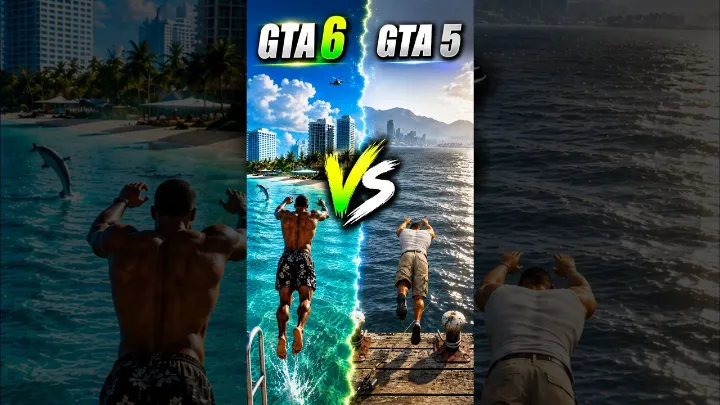
GTA 6 vs GTA 5: 12 Years of Graphics Evolution 🤯🔥#GTA6 #GTA5 #shorts

content approach
Choose one visual detail for a GTA V and GTA 6 comparison. A matched street corner, car reflection or change in lighting gives viewers a clear place to look. Label each game and keep the shot scale as close as possible.
ideas for your next video
Pick a pair of scenes with similar framing and show them side by side for two seconds before adding your explanation. Make another comparison using nighttime lighting, distant buildings or street signs and change only one detail per episode.

rest of the decode

beat map, swipe risk, cover and caption pairing, comment engineering and the reusable formula run inside 2mv studio on your own copy of the video.

decode this video
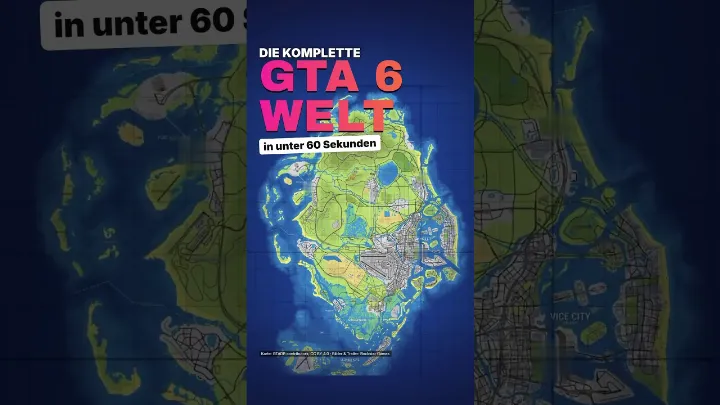
shortsmap comparison
034.92M views

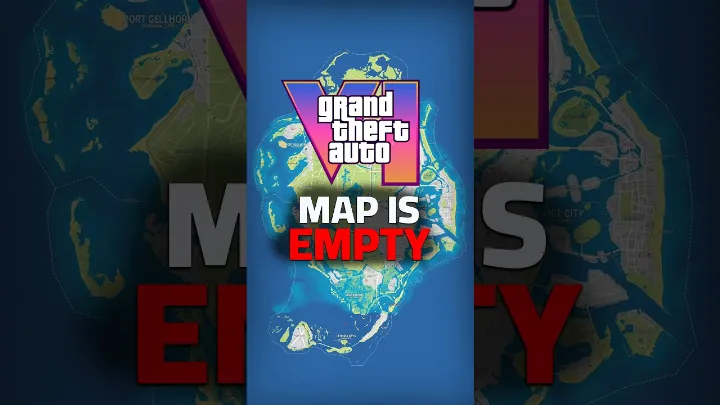
GTA 5 vs GTA 6: How Much Of The Map Is Actually Empty?!

content approach
Frame a GTA V and GTA 6 map comparison around how the space is used. Pick a town, shoreline or stretch of open land from each game and label the areas clearly so viewers can compare the same type of place.
ideas for your next video
Take two comparable routes and count the recognizable landmarks you pass. Show the starting point, one stop and the endpoint, then use the same format to compare city blocks, waterfronts or quieter roads.

rest of the decode

beat map, swipe risk, cover and caption pairing, comment engineering and the reusable formula run inside 2mv studio on your own copy of the video.

decode this video
shortslaunch countdown
042.59M views

"BEFORE GTA 6" IS ALMOST OVER #shorts

content approach
Use a recurring phrase to tell a story about the wait for GTA 6. Choose two or three recognizable moments, arrange them in order and give each a date or visual cue so the joke makes sense to viewers joining late.
ideas for your next video
Build your own release countdown around three memories such as the first teaser, your favorite discussion and the first day of play. Keep the opening line consistent across episodes and replace the memory or reference each time.

rest of the decode

beat map, swipe risk, cover and caption pairing, comment engineering and the reusable formula run inside 2mv studio on your own copy of the video.

decode this video
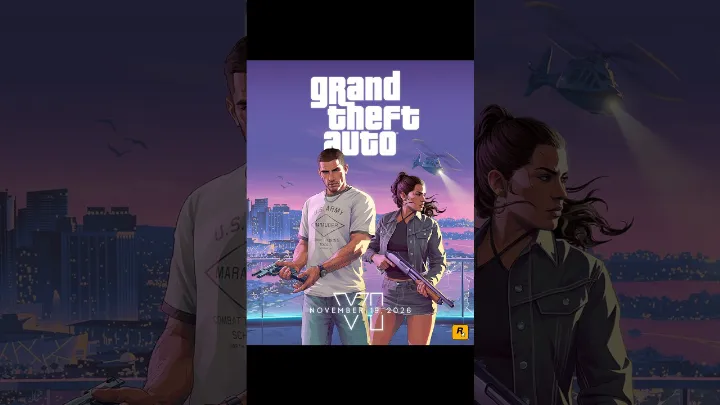
shortslaunch trailer
052.54M views

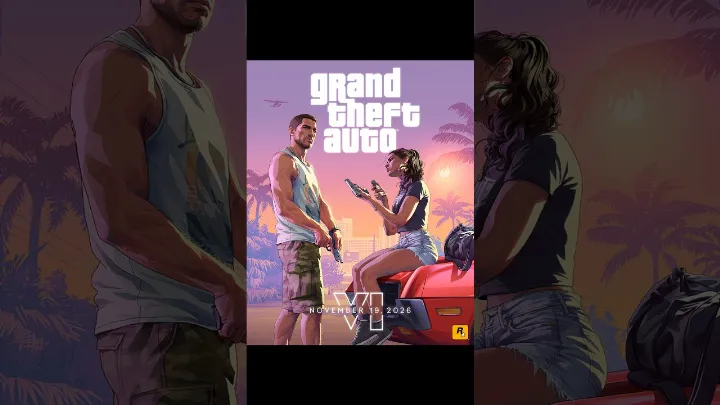
Grand Theft Auto VI Launch Trailer

content approach
Use a launch trailer to study how a short edit can establish a place and introduce its main characters. Pick a few frames that give Vice City a sense of place, then use a short caption to explain the visual thread between them.
ideas for your next video
Create a spoiler-light trailer recap using three moments you can describe in one line each. Try a second recap organized around locations instead of characters and give it a different opening question.

rest of the decode

beat map, swipe risk, cover and caption pairing, comment engineering and the reusable formula run inside 2mv studio on your own copy of the video.

decode this video
shortsmap discussion
0689K views

GTA 6 Map #gta6 #gtavi #vicecity #gaming #leonida #rockstargames #gta6map

content approach
Make a map explainer around one recognizable location. Start with a labeled overview of Leonida, highlight Vice City and use a second place to show where the setting changes from city streets to another kind of landscape.
ideas for your next video
Design a two-stop route with simple markers and one landmark per stop. In a follow-up, choose another region or compare the same place in daylight and at night using footage you captured.

rest of the decode

beat map, swipe risk, cover and caption pairing, comment engineering and the reusable formula run inside 2mv studio on your own copy of the video.

decode this video
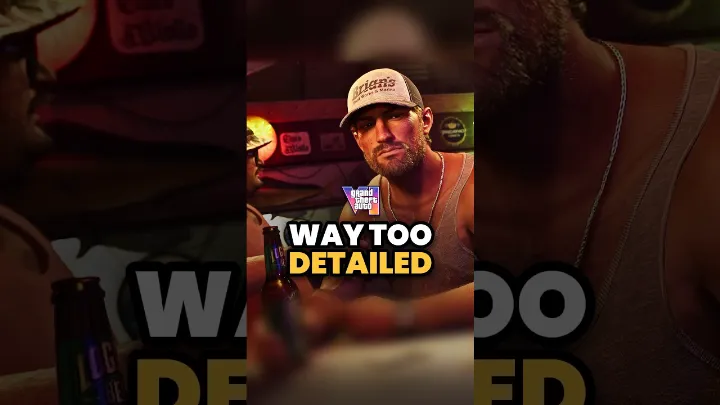
shortsvisual detail
0775K views

GTA 6 Is Way Too Detailed

content approach
Give a detail breakdown a clear subject such as an object, street sign or change in light. Show enough of the surrounding scene to orient viewers, then pause or crop the frame so they can see the specific detail you are discussing.
ideas for your next video
Record a close look at one detail during your own play session and add a wide shot for context. End with a specific question about the location or design choice and use another detail for the next short.

rest of the decode

beat map, swipe risk, cover and caption pairing, comment engineering and the reusable formula run inside 2mv studio on your own copy of the video.

decode this video
what this topic teaches

ideas to explore in GTA 6 videos

Build a short around one location, one comparison or one moment from the launch

01

make a fair visual comparison

Choose two shots with similar framing, label each game and point out one detail such as lighting, reflections or the street layout.

02

give the viewer a place to look

Start with a wide view of Vice City, then mark the street, skyline or landmark you want to explain. Add one other location for context.

03

give launch coverage a clear angle

Choose a specific question about the release, a trailer detail or a memory from the wait. Use the publisher’s update when giving dates or platforms.

trending topics frequently asked questions

the collection includes rockstar’s vertical launch videos, graphics comparisons, vice city and leonida map discussions, and shorts about the wait for gta 6.

watch how each video opens, which visual detail it puts on screen, and how much context it gives before the next cut. in a comparison, check how the creator labels each game and matches the camera angle.

start with one location or detail from footage you captured. show the wide scene, move closer to the detail and add a sentence explaining where viewers can find it.

make one short about a vice city landmark, one about how a neighborhood looks at night, and one about a route between two places. use the same title layout and location label so viewers can follow the series.

name the location, scene or comparison in the first line. add one detail that tells viewers where to look and end with a question about which place or feature they want to see next.

click a video cover or title to open the original post on youtube. return to the collection to compare the other examples.

select decode this topic or explore 2mv studio at the top of the page. both buttons pass the current topic to studio.

select decode this video on a video card. studio opens with that video’s original link as the input.

Viral
no longer a mystery

Start getting full visibility into what makes content go viral